
Skip to content

One screen, a few phones, one big game

The TV runs the show, phones are the buzzers. You just gather the crew.

Up and running in three steps

  1. Put it on the big screen

    The TV's browser, the BuzzinTV app or a cast from your phone.
    • LG webOS
    • Samsung Tizen
    • Android TV / Google TV
    • Philips Titan OS
    • Fire TV
    • Chromecast
    • Browser on the TV
  2. Share the room code

    Guests scan the QR or type the code. No account, nothing to install.

  3. Pick characters and play

    Nickname, character, go. From now on, eyes on the TV.
Acts, rankings, the final

  1. Vote for a category

    Four cards on the phones, the majority wins.

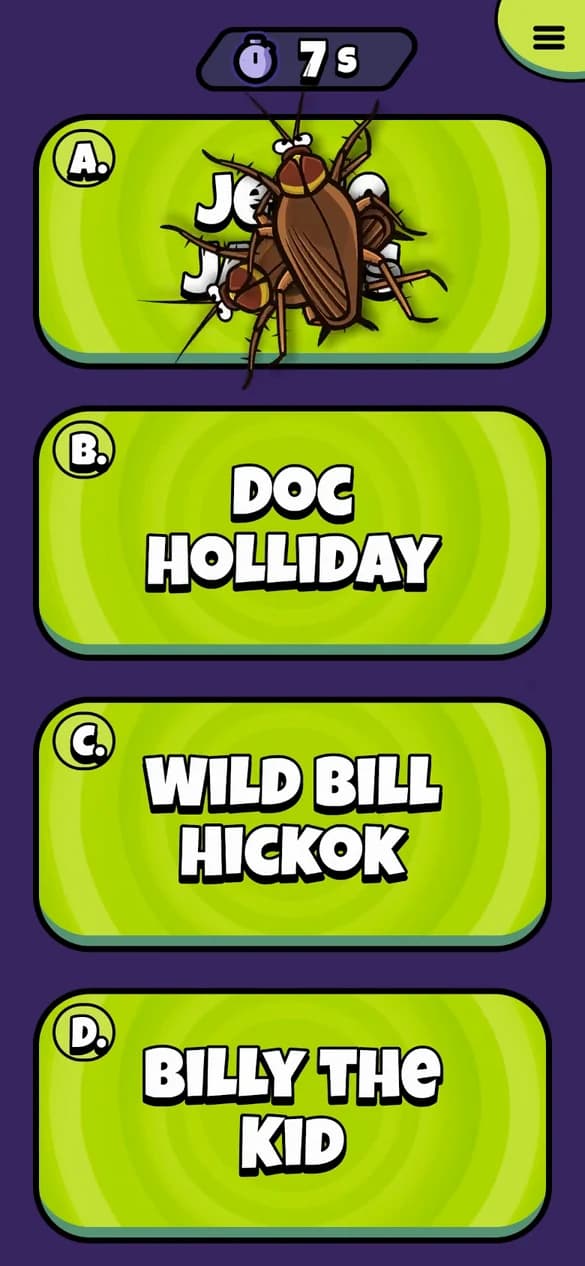
  2. Question A, B, C or D

    The host reads, you tap. The answer never reaches the phone.

  3. A trick on a rival

    Freeze their screen or send in the bugs.

  4. Points and ranking

    Faster means more. A ranking after every act.

  5. A sudden-death final

    A wrong answer costs a life. One player is left.

Tricks and sabotage

Before a question you pick a trick and a target. The host calls out every move.

  • Freeze
  • Paint
  • Bugs
  • Stun
  • Surprise
  • Shield
  • Help

A built-in host runs the whole show

The host roasts the players, the announcer reads every question calmly. Nobody has to run the game.

Disconnected? You return to your seat

  • WiFi dropped? You're back where you were.
  • Whole crew offline? The game waits for you.
  • TV lost the connection? The game pauses itself.

Sounds good? Play with us

Start Buzzin on the TV, guests join from their phones with the room code.